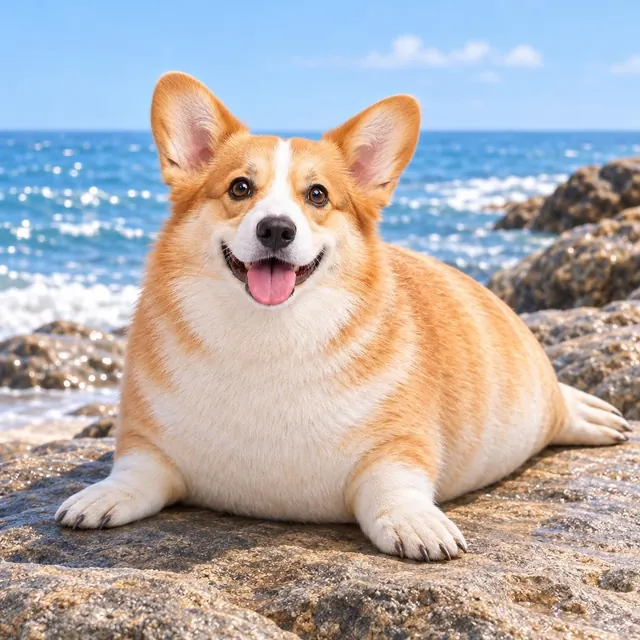
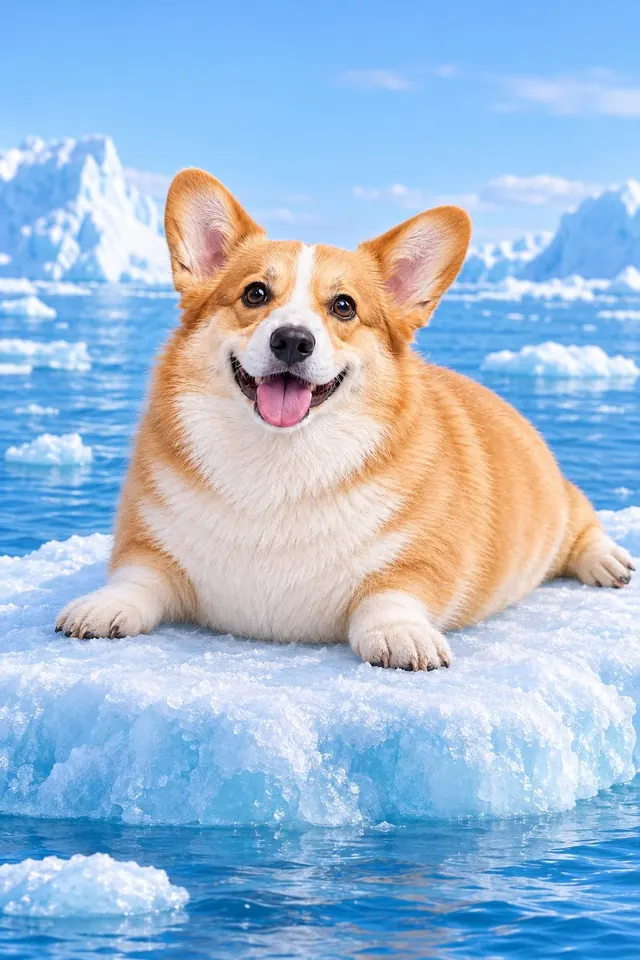
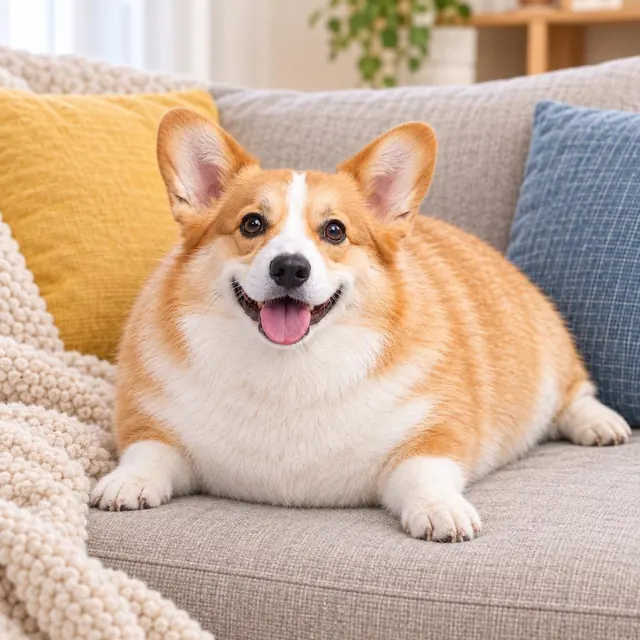
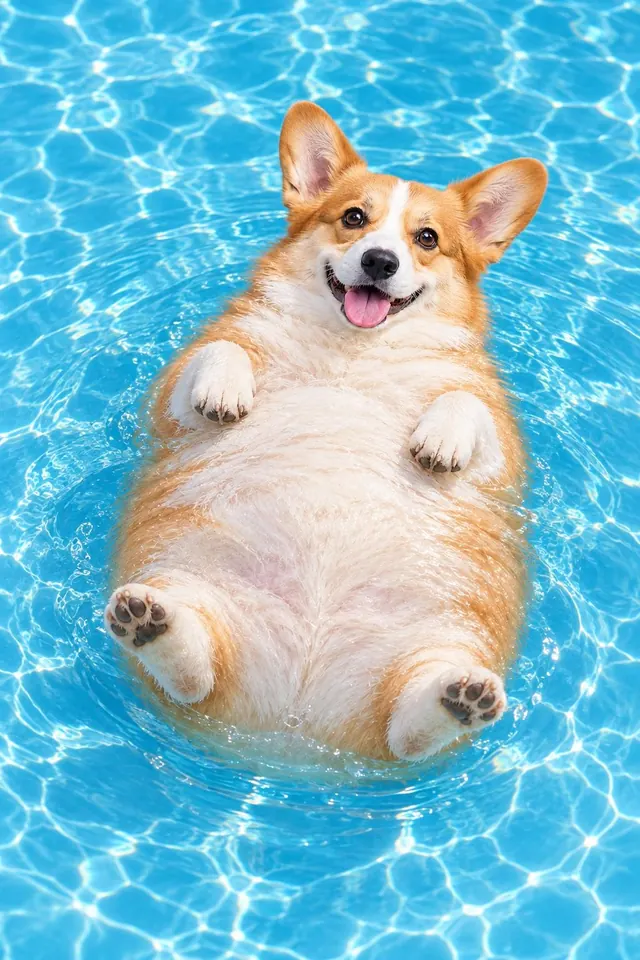
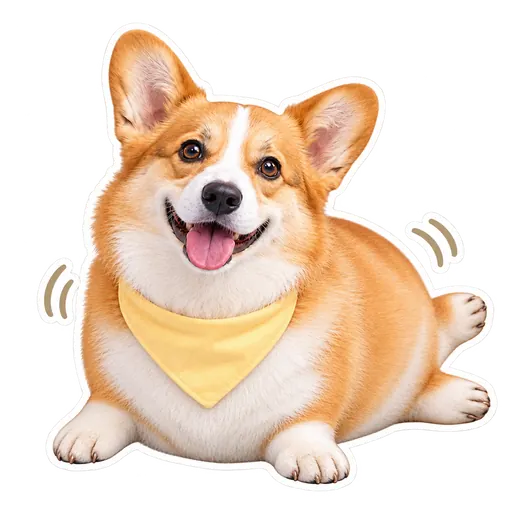
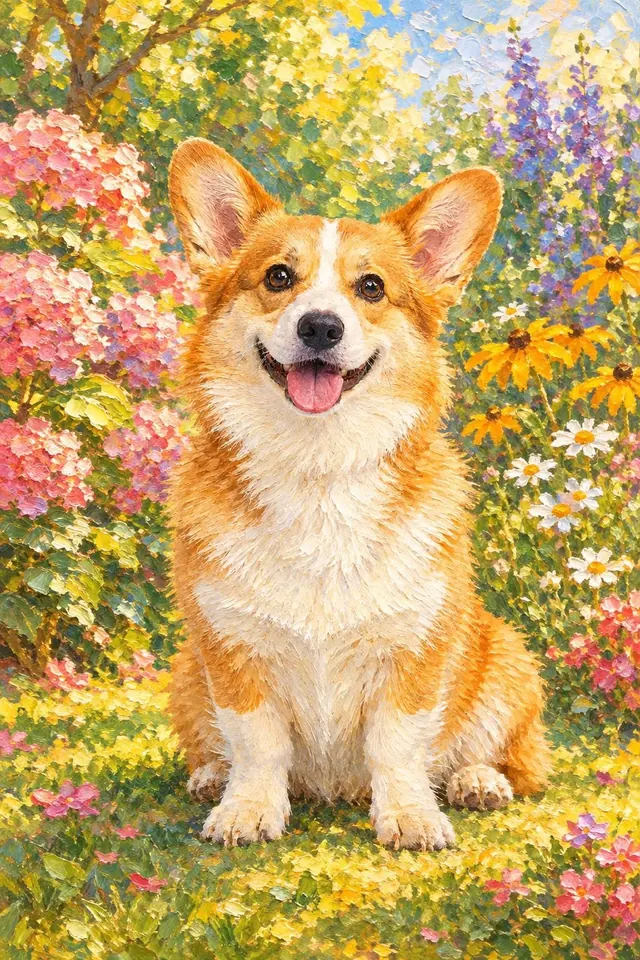
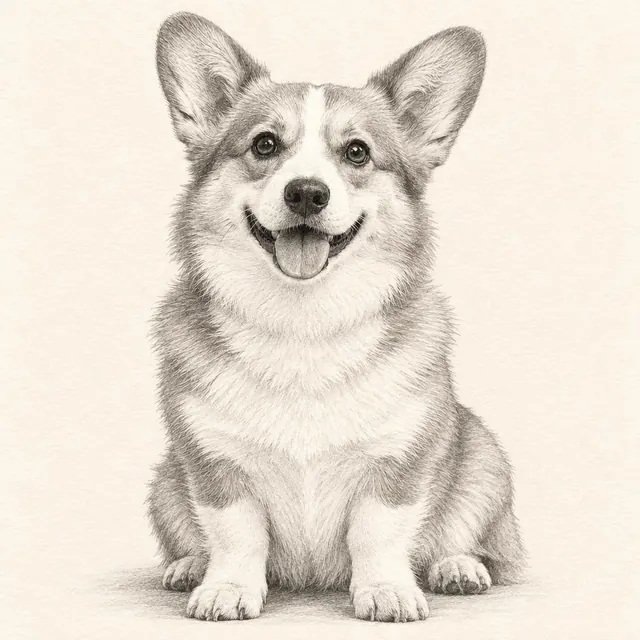
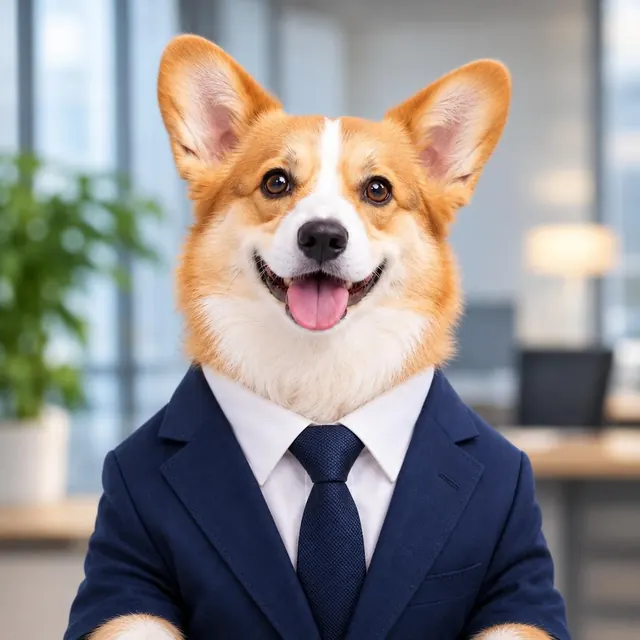
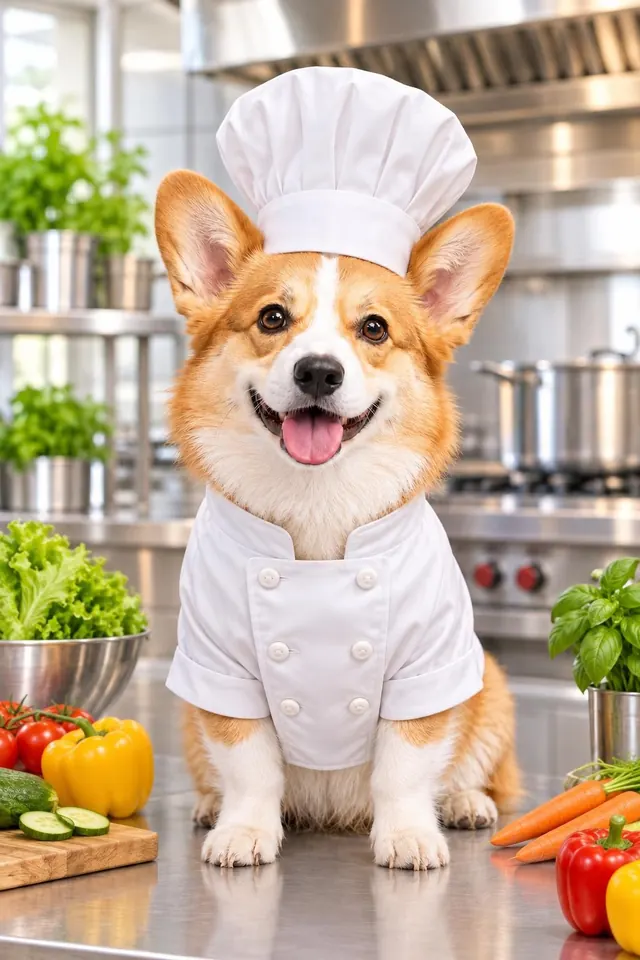
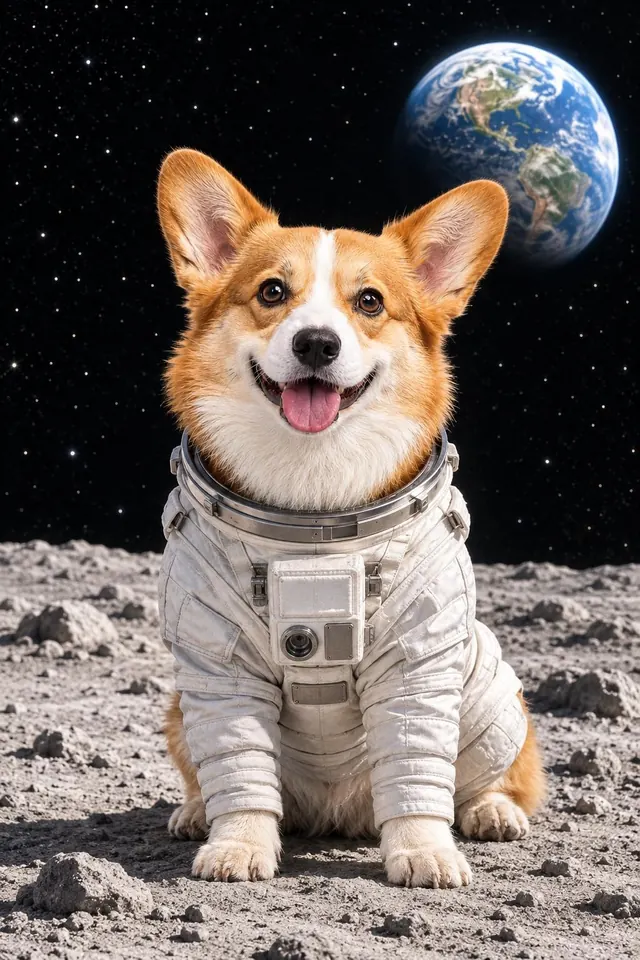
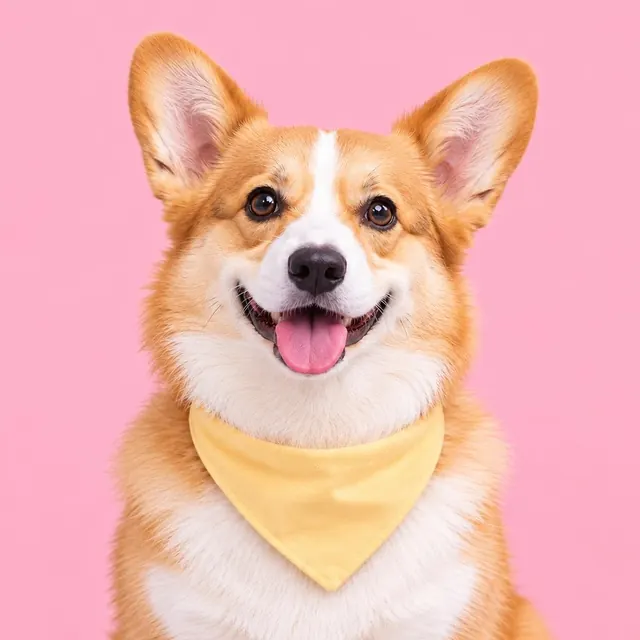
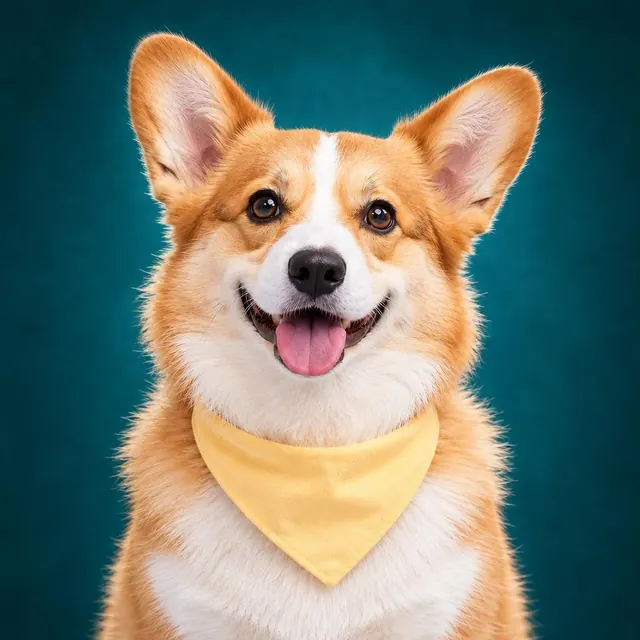
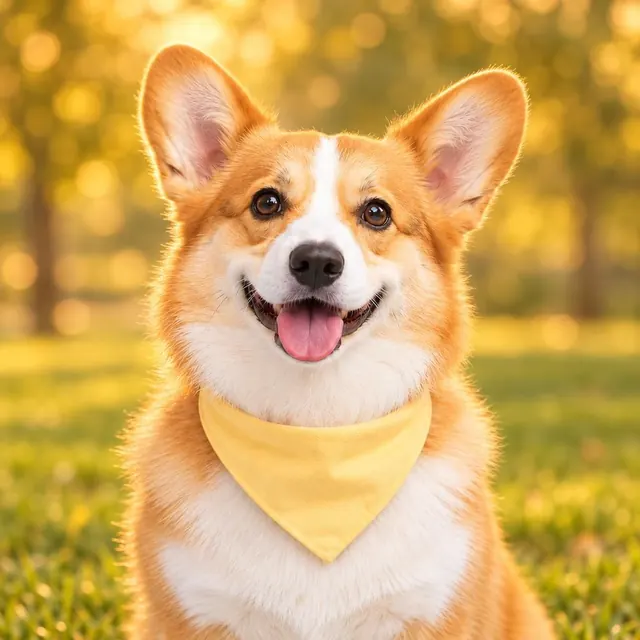
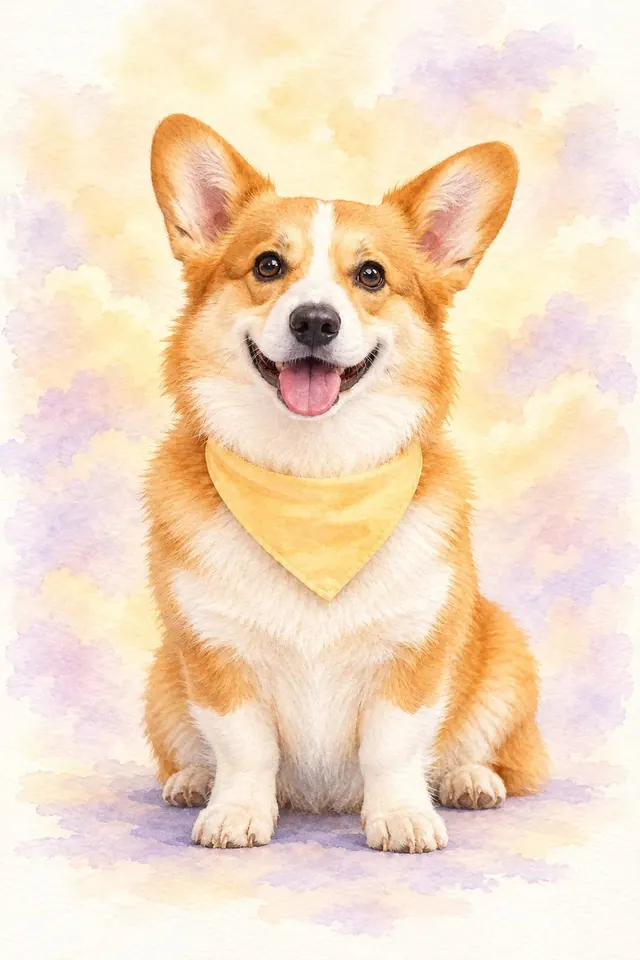
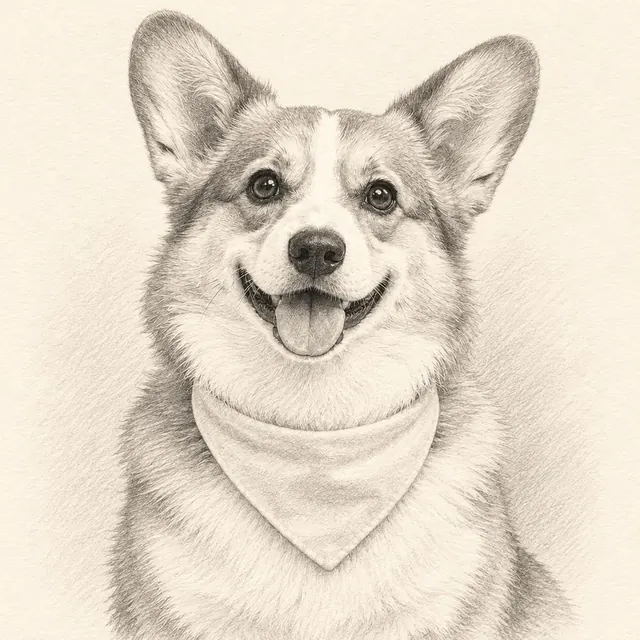
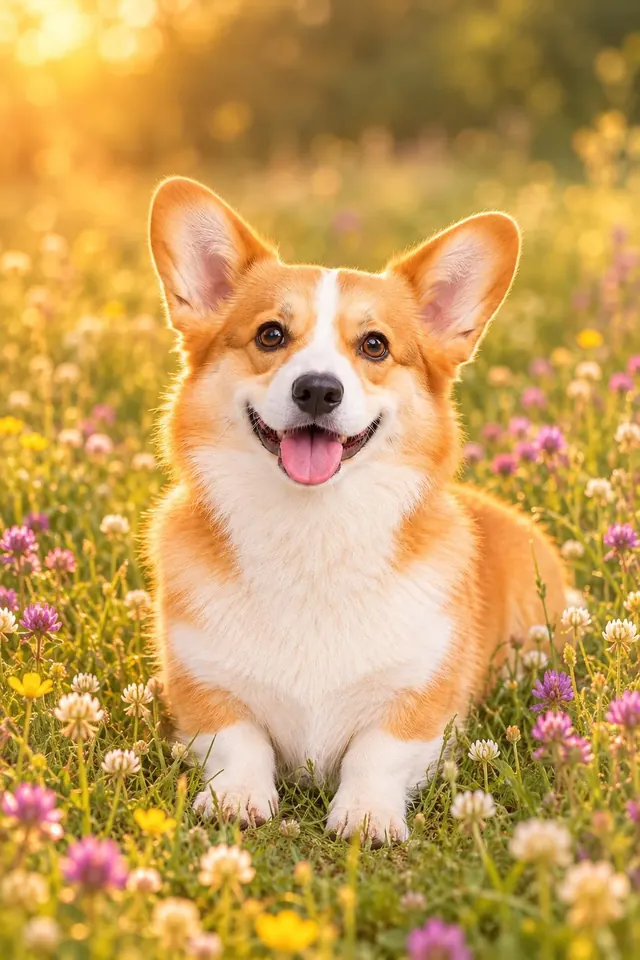
In short: The seal filter for dogs: upload one photo and see your dog as a round, chubby seal on the beach, an iceberg, the couch and in a pool, plus a clapping GIF and a transparent sticker. Updated November 7, 2026.
The seal filter for dogs, done properly: upload one photo and get 6 images of your dog as a plump, round seal, using its face, ears and markings as references. AI can change those details. You get a beach photo, an iceberg, a couch flop, a pool float, a clapping seal GIF and a transparent sticker.
20 credits for the full pack; a 2-image preview is 10 credits. Videos share the same balance.
Time
Varies by photo, format and demand; no fixed completion time.
Image model
OpenAI Images 2.6 (gpt-image-2.6-flare)
Redo and refund
Full packs include 2 free redos in total; then 3 credits per image. Previews have no free redos. Credits for missing images are returned proportionally.
How do you make it?
Upload one clear photo of your dog (or try the sample dog).
Pick this theme and choose the full pack or a 2-image preview, then press Make.
Review your 6 images, then download them one by one or as a ZIP.
A playful pet-image effect that makes an animal look like a round, smooth seal. PawGroove supports one dog per photo and uses its face, ears and coat colors as references for 6 scenes, including an animated GIF; likeness can vary.
Do I need TikTok, CapCut or Instagram for this?
No. Upload a photo here and download the images. They work anywhere you can post a photo or GIF.
What photo works best?
A sharp, well-lit photo of one dog with its face clearly visible. Full body works best for the full-length shots; skip heavy filters and stickers.
How much does it cost?
A full photo pack of 6, 7 or 8 images costs 20 credits. A 2-image preview costs 10. Videos cost 10 credits and use the same balance. Eligible new accounts can receive one 10-credit welcome trial, subject to network and daily limits; it covers one video or a 2-image preview, not both. One-time credit packs are USD 4.99 for 50 credits or USD 9.99 for 120 credits. Mix videos, full packs and previews using those credits.
Does it work with cats?
PawGroove is made for dogs: one dog per photo. Cats and group photos are not supported.